
Ubuntu 24.04.1 LTS Point Release: What Changed and Whether You Should Upgrade Now
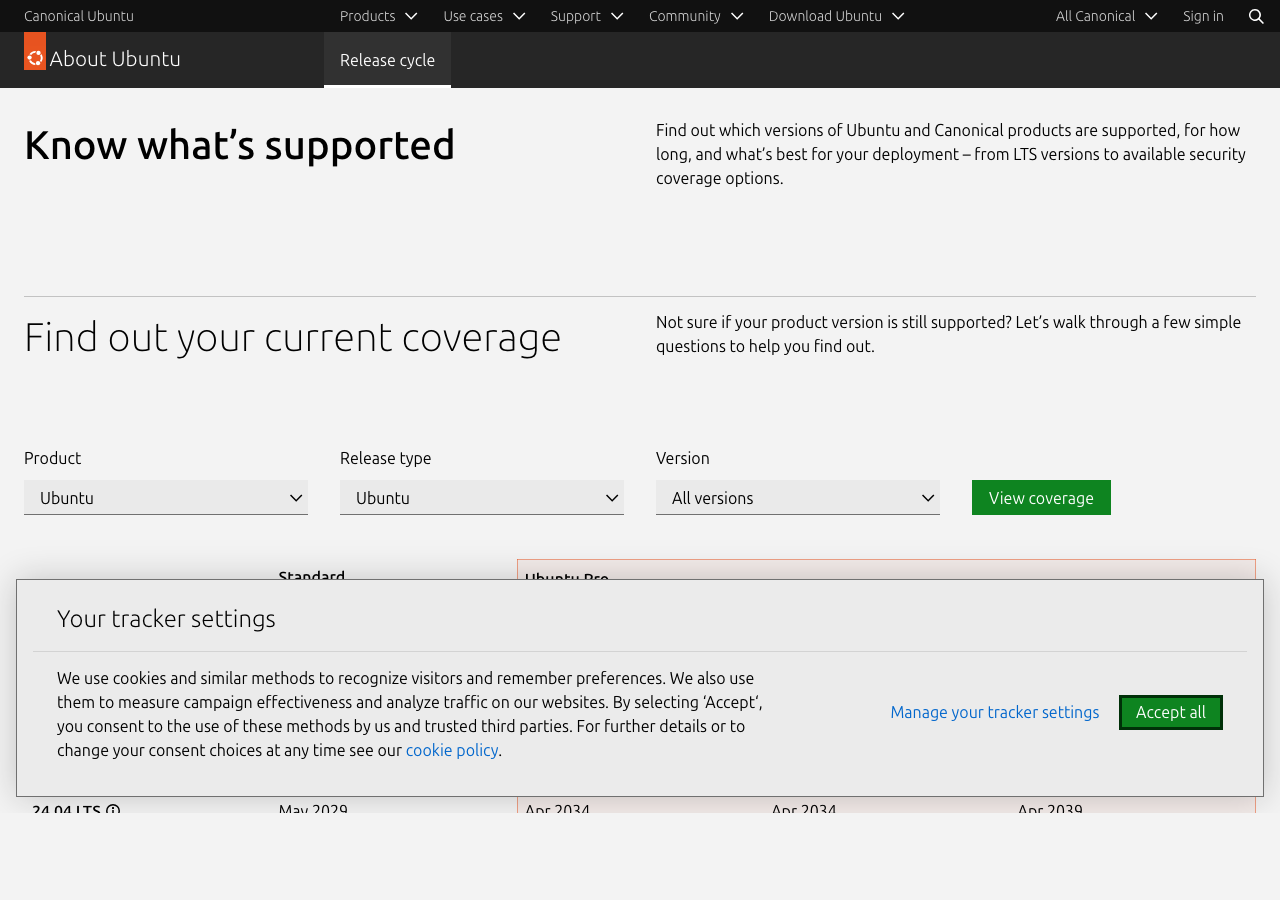
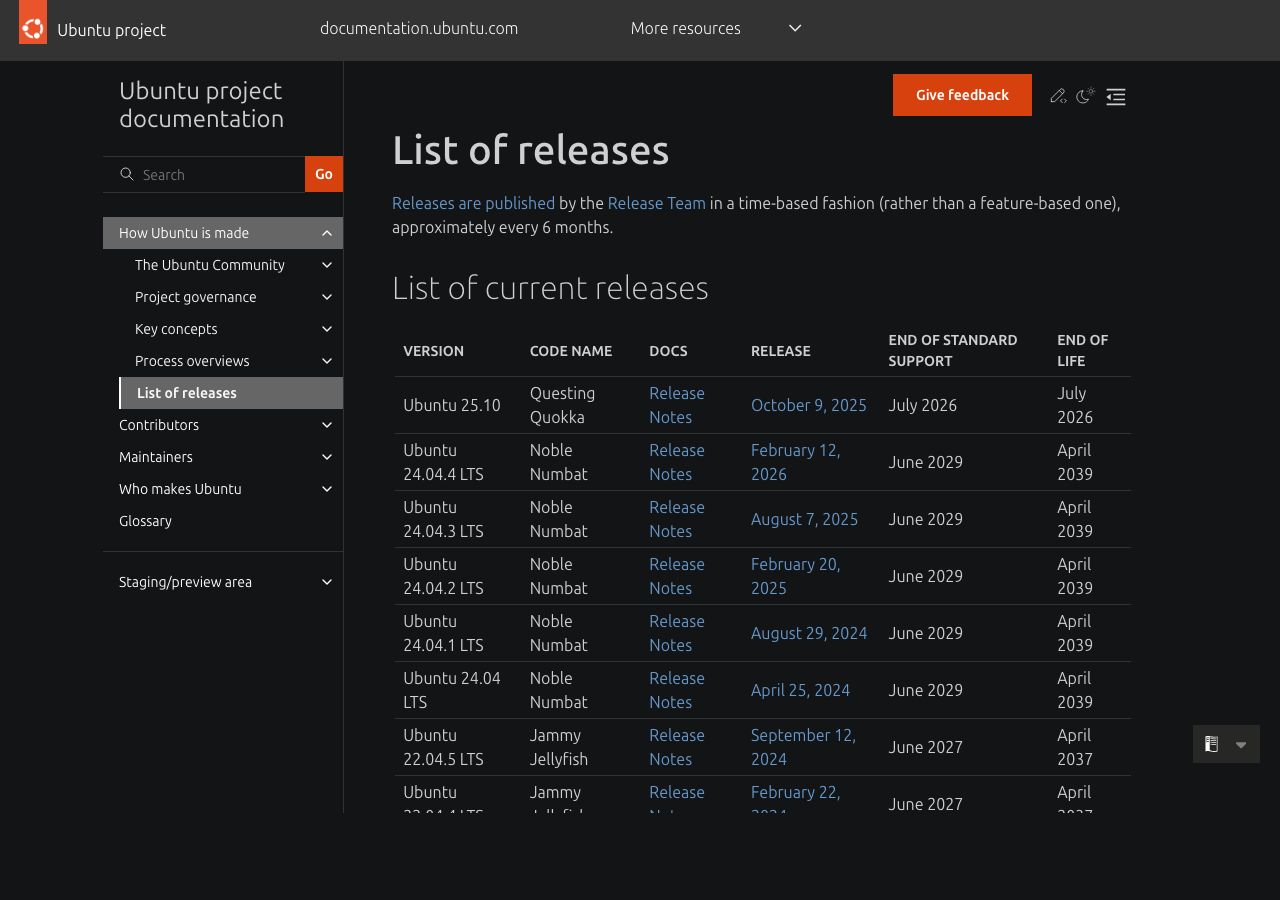
Ubuntu 24.04 LTS shipped in April 2024 as the long-term support release that most production servers were going to standardize on for the next two to five years. Like every Ubuntu LTS, it gets point releases — minor revisions that bundle the stability fixes from the previous six months along with a refreshed installation media — and 24.04.1 was the first of those, landing in August 2024. Since then we’ve had several more point releases and some hardware-enablement kernel updates, and the picture for someone deciding when to upgrade has gotten clearer. This article walks through what’s actually in the recent point releases, who should upgrade now, and what to wait for if you’re risk-averse.
What a point release actually contains
If you’ve never tracked Ubuntu LTS point releases closely, the mental model is: they’re not new versions. Ubuntu 24.04.1 is still Ubuntu 24.04. The package versions, the kernel branch, and the user-visible behavior are unchanged in any way that would surprise you. What’s bundled is six months of stability fixes that have already been pushed to the security and updates channels, packaged into a fresh ISO so new installations don’t have to apt upgrade for an hour after install.
Specifically, a point release includes:
- All the security updates released since the previous version of the ISO.
- All the bug fix updates from the same window.
- An updated installer media that includes the latest hardware enablement (HWE) kernel where applicable.
- Refreshed package manifests so apt finds the right versions on first run.
If your server is already running 24.04 and you’ve kept it up to date with apt update && apt upgrade, the point release adds nothing — your system already has all the same fixes. The point release only matters when you’re installing fresh or when you want the new HWE kernel that comes with it.
The HWE kernel question
The Hardware Enablement kernel is the part of the point release that does change something on existing systems if you opt in. Ubuntu LTS ships with two kernel tracks:
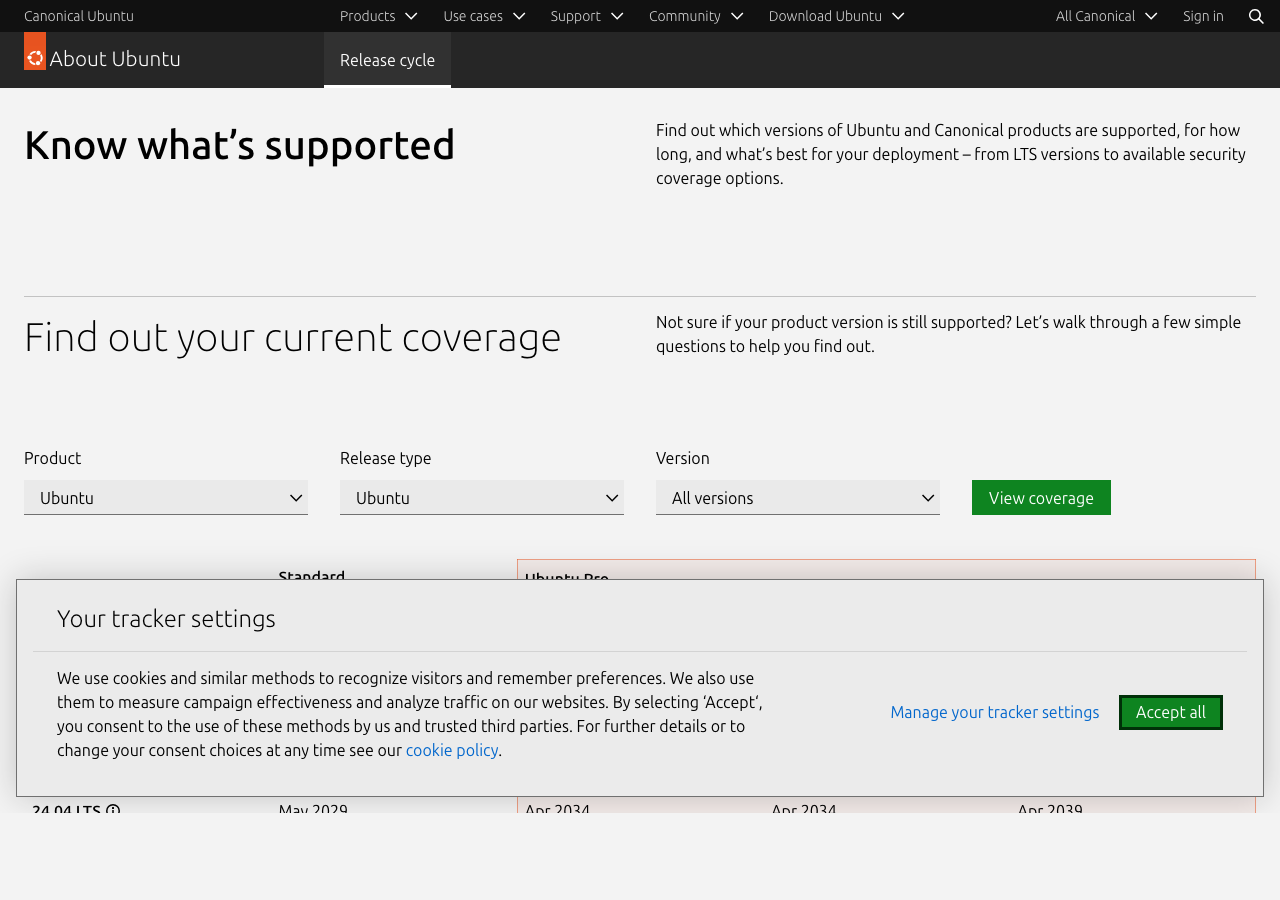
- The GA kernel — the kernel version the LTS launched with. For 24.04 that’s the Linux 6.8 kernel. It’s supported for the entire LTS lifetime (5 years standard, 10 with Ubuntu Pro).
- The HWE kernel — a newer kernel from a more recent Ubuntu release, backported to the LTS for hardware support reasons. The HWE kernel rotates roughly every six months as new short-term Ubuntu releases come out. By the end of an LTS cycle, the HWE kernel is sometimes 2-3 years newer than the GA kernel.
The choice between them: if your hardware works fine with the GA kernel, stick with it. The GA kernel has the longest support window and the smallest update churn. If you have a newer GPU, NIC, NVMe drive, or CPU that needs newer drivers, the HWE kernel is probably required. Most laptops bought in 2025 onward will need HWE on 24.04 to get full hardware support.
Switching is a one-line change:
sudo apt install linux-generic-hwe-24.04This installs the latest HWE kernel and configures grub to boot into it. The old GA kernel stays installed as a fallback, so if the new kernel fails to boot for any reason you can pick the old one from the grub menu. Reboot to activate.
What to watch out for
Three things have come up consistently in the support forums for the recent point releases:
- NVIDIA proprietary driver compatibility. The HWE kernel sometimes ships before NVIDIA has tagged a matching driver release. If you’re using the proprietary NVIDIA driver, hold off on the HWE kernel update until the matching driver version is available in the apt repos. The symptom of mismatch is X failing to start, dropping you to a tty after boot.
- ZFS root filesystem regressions. Anyone running ZFS on root has historically had a rough time with kernel upgrades on Ubuntu, because ZFS is shipped as a DKMS module that has to recompile against each kernel. Recent point releases have improved this but it’s still worth waiting a week and watching the Ubuntu forums before applying a kernel update on a ZFS-root machine.
- Out-of-tree wireless drivers. Some Realtek and Mediatek wireless chipsets that need vendor-supplied drivers will lose wireless on the first boot after a kernel update. The fix is usually to reinstall the vendor’s DKMS package against the new kernel headers. The Ubuntu wiki has model-specific instructions.
Should you upgrade from 22.04 to 24.04 in 2026?
For anyone still running 22.04 LTS, the question is when to move to 24.04. The answers I’d give:
- Personal desktop or laptop: Yes, do it now. 24.04 is mature enough that the upgrade path is reliable, and the benefits (newer kernel, GNOME 46+, updated default apps, better Wayland support) are worth the afternoon of downtime. The do-release-upgrade path from 22.04 to 24.04 has been working cleanly since 24.04.1.
- Production server with stable workload: Yes, but plan it. 22.04 has support until April 2027 for the standard LTS window, so you have time. The main reason to move sooner rather than later is to get out of the position of being on the older LTS during the upgrade conversation, and to take advantage of newer security tooling.
- Production server with custom kernel modules or older hardware: Test thoroughly first. The newer kernel in 24.04 has dropped support for some older hardware and changed enough internal interfaces that out-of-tree modules sometimes need source-level changes.
- Embedded or specialized deployment: Probably stay on 22.04 unless you have a specific reason to move. The upgrade churn isn’t worth it for systems with a long quiet life ahead of them.
The upgrade path itself
The actual upgrade from 22.04 to 24.04 uses the standard do-release-upgrade flow:
sudo apt update && sudo apt full-upgrade
sudo do-release-upgrade -d   # -d during the early prompt window
sudo do-release-upgrade      # after the official prompt opens
The -d flag tells the upgrade tool to consider development releases, which is what you need during the window between when the .1 release is available and when the official upgrade prompt opens for 22.04 users (the prompt is gated to ensure the .1 release has had a few weeks of stability data). For the most cautious approach, wait for the official prompt and skip the -d flag.
Things to do before kicking off the upgrade:
- Take a full backup. Not a snapshot, an actual backup to a different machine or storage medium. Upgrades are usually fine but the few times they go wrong, the recovery path is much smoother if you have an off-box copy.
- Document any third-party apt repositories. The upgrade tool disables them and you’ll need to re-add the 24.04 versions afterward.
- Save the output of
apt list --installedso you can verify nothing was unexpectedly removed. - Plan for an hour of downtime on a server, longer on a desktop.
Ubuntu 24.04 is the LTS that will define server and desktop deployments for the next two years, and the point releases since launch have improved it enough that there’s no longer a strong reason to wait. Personal machines should upgrade now. Production servers should plan a migration window over the next several months and test out-of-tree modules before committing. The HWE kernel is a separate decision from the OS upgrade — switch to it if you need newer hardware support and stay on the GA kernel if you don’t. Either way, 24.04 is the right destination for anything you’re deploying fresh in 2026.



